Loading...
play.runeforge.cc
Click to copy IP
Claims are rectangular regions owned by players that have been protected from grief by others. Claims cost [[Claim Blocks]] to create and extend the full height of the world.
Creating a claim requires the claim tool, which is a Golden Shovel by default. To create a claim, simply right-click a block to mark down a corner for a claim selection, then right-click a second block to mark down the opposite corner. A claim will be created over the rectangular region between the two corner points.

A claim can alternatively be created by using the /claim (radius) command, which will create a claim with a radius of (radius) blocks around the player's current location. Claims have a minimum size and area, configurable in the plugin [[config]].
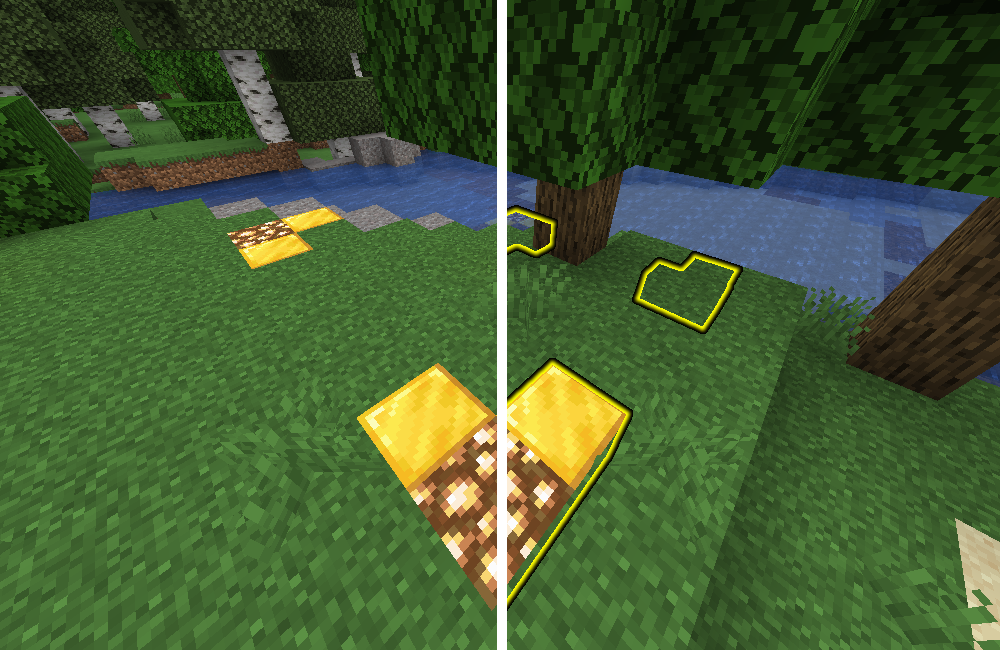
Inspecting claims is done with the inspection tool, which is a Stick by default. Simply right-click the stick at a block to inspect whether it has been claimed. Different types of claims will be highlighted with different glowing block displays (Paper 1.19.4+)/ghost blocks (Spigot 1.19.4 and below).

Holding the Sneak key while right-clicking will inspect all nearby claims, highlighting all claims within a configurable radius of the block you right-clicked.
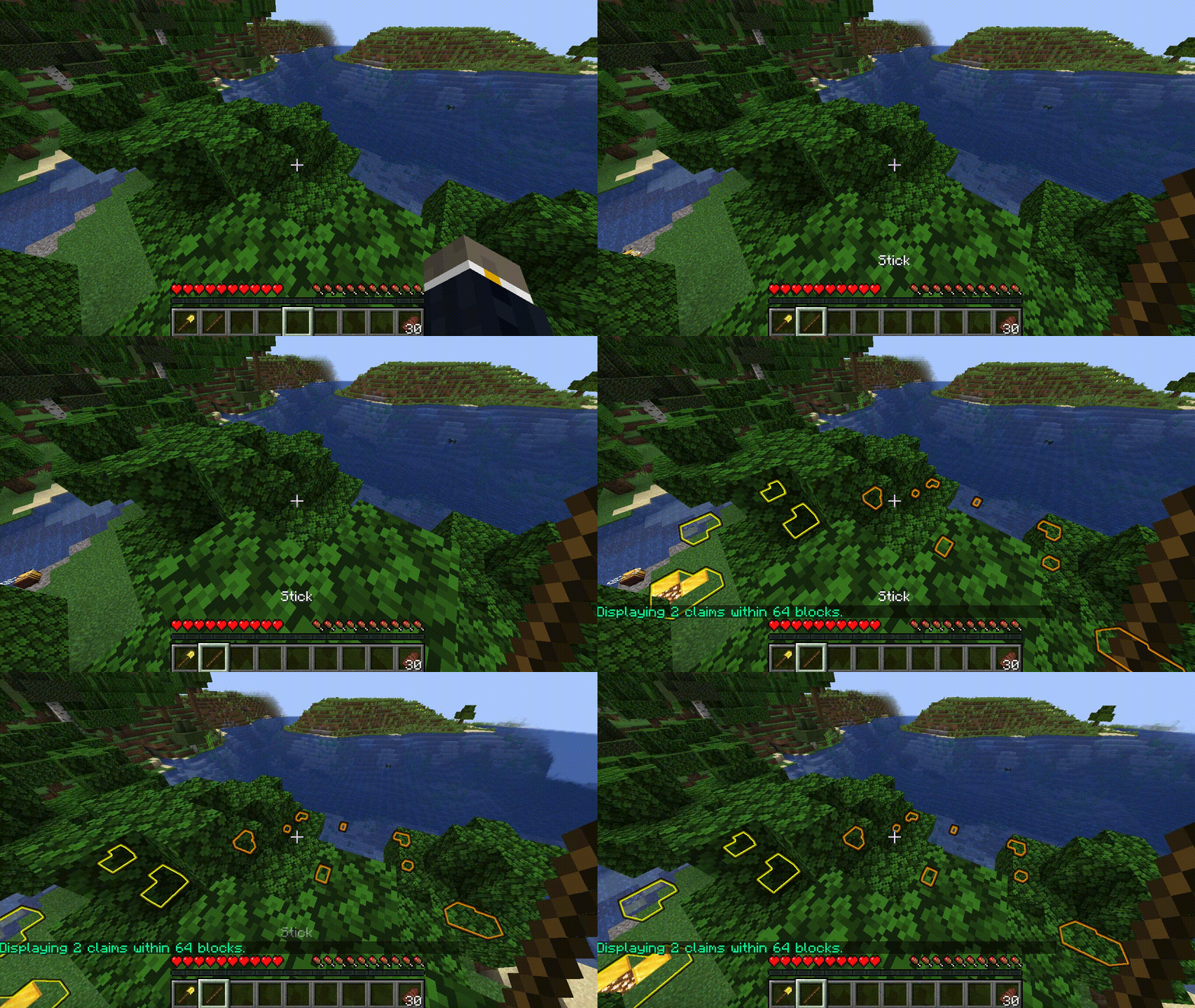
On Minecraft 1.19.4+ Paper servers with the block_displays setting enabled, claim inspection will use block display entities to highlight claims offering glowing blocks for more visibility. On older servers, or with the block_displays setting disabled (if you prefer!), "ghost blocks" will be used instead.
You can view a list of your claims using the /claimslist command, which is navigable through the interactive clickable chat buttons. The claim list is global across servers running HuskClaims in cross-server mode.

To resize a claim, hold the claim tool and right-click the corner of the claim you wish to resize. Then, right-click the new corner point to resize the claim.
Claim owners may delete their claims by using the /unclaim command. This will refund the player the claim blocks that were used to create the claim. If you are standing in a parent claim which has children, those will also be deleted; you will be prompted to confirm if this is the case. The /unclaimall command may also be used to perform a bulk-delete action, removing all claims owned by the player.
Operations in claims are restricted to those with [[Trust]] in a claim (except admin claims—see below), with different Trust levels allowing users to perform different operations.
Separate from the claims/operations system, tamed animals may be protected from harm through the [[Pets]] system.
Child claims (also known as "subdivisions") are essentially claims-within-a-claim. This is very useful for town projects, where you may want to limit which area of a claim a player can build in. Child claims are created by first using the /childclaim command to toggle child claim creation mode, then right-clicking two corner points within a parent claim to create the child claim. The /childclaim (radius) command also works provided you are standing within a parent claim and the radius is small enough to fit within it. Creating and managing child claims requires the MANAGE_CHILD_CLAIMS privilege in the parent claim.
By default, child claims inherit the parent claim's [[Trust]] access list, meaning users trusted in the parent claim will also have access to the child claim—but not vice versa. The owner may restrict access inheritance with the /restrictclaim (on|off) toggle command.
By enabling the claim bans and/or private claims features, you can choose to ban people from a claim and make it private to prevent people from being able to walk into it.
You can ban and unban players from a claim or child claim using the /claimban <ban|unban|list> [username] command.
This will prevent the banned player from entering the claim/child claim. Banned players cannot be trusted in the claim, and will be unable to interact with blocks within the claim.
Users with the MAKE_PRIVATE claim privilege can make a claim or child claim private using the /claimprivate (on|off) toggle command. Only users with a trust level in the claim will be able to enter it.